For cafés, salons, shops and trades

Image optimization for local businessesYour own photos, light enough for your website

Photos from a phone or camera are what make most small business sites slow. Picture Optimizer shrinks them for mobile, writes the alt text search engines read, and sends them to your WordPress.

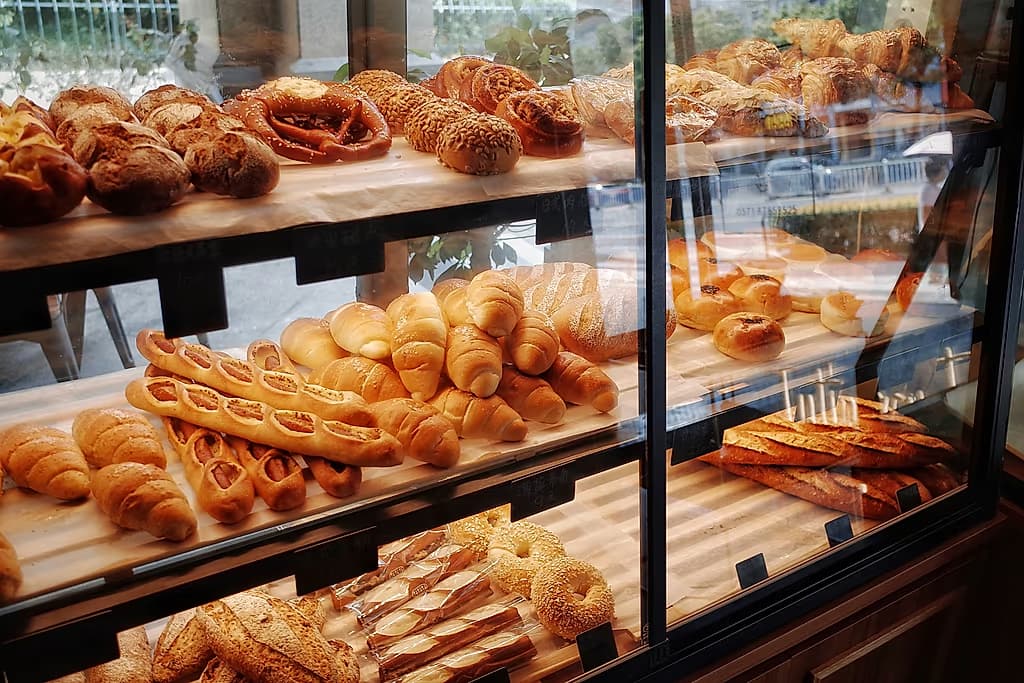
Assorted artisanal breads, croissants, and bagels displayed on wooden shelves inside a bakery glass case.
15
Free photos to try, one time
3 MB
Free: bigger photos resized to fit
$19
Starter a month, files up to 5 MB
WordPress
Sent to your media library (Starter)

What slows a small business site down

  • Photos straight from a phone are several megabytes each: heavy on a phone with mobile data
  • Alt text is left empty because nobody has time to write it
  • Resizing every photo by hand before uploading is tedious
  • Speed plugins still need lighter images to work with

What changes on your site

From our sample run, a client's photo: café, 2.8 MB to 415 KB as AVIF (works on Free). The alt text is written by AI, on Starter and up.
ItemBeforeAfter
FileOriginal JPG · 2.8 MBbarista-pouring-milk-latte-art-portrait.avif · 415 KB
Alt text(empty)Barista in a green apron pouring steamed milk into a coffee cup using a metal pitcher
SizesOne full-size file150×150 · 300w · 768w · 1024w
In WordPressUploaded by hand, alt text emptySent to your media library with alt text (Starter and up)
Local Businesses

How it fits the way you work

Start with the photos you already have

Upload the photos you took for your menu, your shop window or your last job. The Free plan compresses your first 15 photos, resizing bigger photos to fit 3 MB; Starter takes files up to 5 MB, the size phone photos usually are. You see each file's size before and after, so you know exactly what changed.

Alt text and captions written for you

AI vision looks at each photo and writes alt text, a title and a caption. You can edit any of them before you export. Search engines and screen readers read alt text, and most small business sites leave it empty.

Straight into WordPress

On Starter and up, connect your WordPress site once from your account. After each batch, send the photos to your media library with their alt text, titles and captions, ready to add to a page.

Enterprise · by enquiry

We do it for you, with our designers and photography experts.

For large stores, catalogues and blogs. We resize, convert and tune every image, then upload SEO alt text and EXIF to your site. No file is too big.

Questions

What people ask before they start.

No. Drop your photos in, check the result, then download them or send them to your WordPress site.

Fresh from the blog: Photos for small business and photographers

How-to · Photos for small business and photographers

How to optimize photos for your business website

A practical routine for local businesses: pick real photos, resize them, save as AVIF or JPG, remove location data, then name and describe them.