For photographers and portfolios

Image optimization for photographersPortfolio pages that load fast, with your credit in every file

You shoot for trades, clinics and law firms as well as your own portfolio. EXIF kept and enriched, retina sizes, and AVIF for the pages your photos go on.

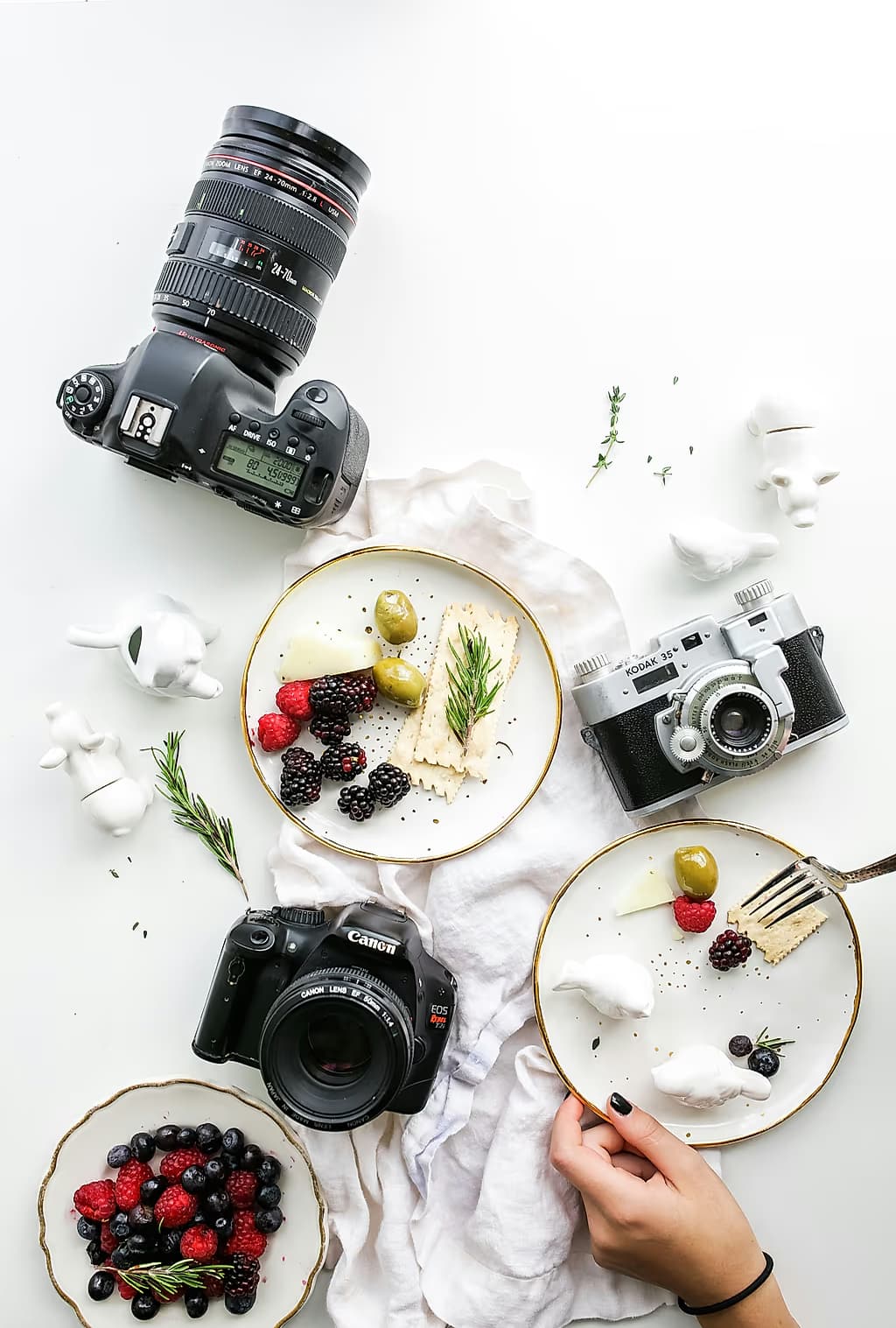
Flatlay of DSLR cameras, vintage film camera, and plates of cheese and berries on white cloth
0.99
Lowest SSIM in our sample run
0.98
Export quality check (SSIM)
Embedded (Starter and up)
Copyright

What holds a portfolio back

  • Portfolio pages full of high-resolution images are slow to load
  • Clients may leave a slow portfolio before they see the work
  • Copyright notices are missing from the files themselves
  • Manual export from Lightroom to web-optimized versions is tedious
  • Writing alt text for a whole portfolio by hand is unrealistic

What changes in a gallery

From our sample run, a client's photo: hair salon, 4.2 MB to 167 KB as AVIF (Starter and up). The alt text is written by AI, on Starter and up.
ItemBeforeAfter
FileOriginal JPG · 4.2 MBmodern-hair-salon-interior-with-black-walls-and-mirrors-landscape.avif · 167 KB
Alt text(empty)Modern hair salon interior featuring black walls, round mirrors, and black styling chairs on marble floors
SizesOne full-size file150×150 · 300w · 768w · 1024w
MetadataCamera data onlyCamera data kept; copyright, title and keywords added
Photographers & Portfolios

How it fits the way you work

Portfolio performance vs visual quality

Photographers fear compression will degrade their work. Each export is compared with the original (SSIM, on 400 px greyscale copies), and a file that scores below 0.98 is re-encoded once at the Very High preset. For the closest match, choose the Maximum or Very High preset.

In our sample run of 54 photos at the High preset, every AVIF scored at least 0.99 SSIM against the original resized to the same size, measured at 1,024 px. A sample (1 credit) lets you check your own work before a batch.

Copyright in the file itself

When someone downloads your portfolio image and re-uploads it elsewhere, CMS metadata (alt text, credit) is lost. Metadata embedded in the file travels with it, unless the platform strips it on upload.

On Starter and up, Picture Optimizer embeds the copyright notice you set in the export settings into EXIF Copyright and IPTC Copyright Notice, along with the title, description and keywords. Any tool that reads image metadata can show it.

AI metadata for photography SEO

Writing alt text for a whole gallery by hand takes hours. For a photographer's kit photo in our sample run, the AI wrote: "Flatlay of DSLR cameras, vintage film camera, and plates of cheese and berries on white cloth": specific and descriptive, ready for you to check.

Google's image SEO guide says Google uses alt text, with computer vision and the page's content, to understand what an image shows, so specific alt text on each portfolio image helps it match your work to what people search for.

Enterprise · by enquiry

We do it for you, with our designers and photography experts.

For large stores, catalogues and blogs. We resize, convert and tune every image, then upload SEO alt text and EXIF to your site. No file is too big.

Questions

What people ask before they start.

Picture Optimizer processes web-delivery copies. Keep your original RAW/TIFF files for print. Process exported JPEGs through Picture Optimizer for web use. The originals remain untouched.

Fresh from the blog: Photos for small business and photographers

How-to · Photos for small business and photographers

How to optimize photos for your business website

A practical routine for local businesses: pick real photos, resize them, save as AVIF or JPG, remove location data, then name and describe them.